
Gallery blocks have two settings: the number of columns, and whether or not images should be cropped. The default number of columns is three, and the maximum number of columns is eight.
Below is a three column gallery at full width, with cropped images.
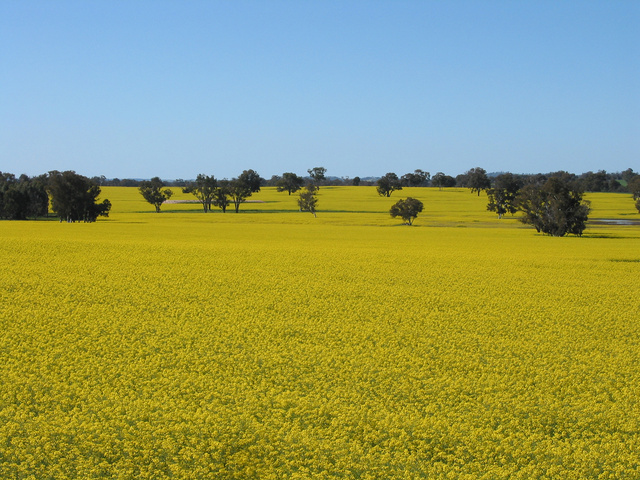
Lorem ipsum dolor sit amet, consectetuer adipiscing elit. Donec mollis. Quisque convallis libero in sapien pharetra tincidunt. Aliquam elit ante, malesuada id, tempor eu, gravida id, odio. Maecenas suscipit, risus et eleifend imperdiet, nisi orci ullamcorper massa, et adipiscing orci velit quis magna. 
Sunburst over the Clinch River, Southwest Virginia. 
Orange Iris 
Boardwalk at Westport, WA 
Bell on wharf in San Francisco 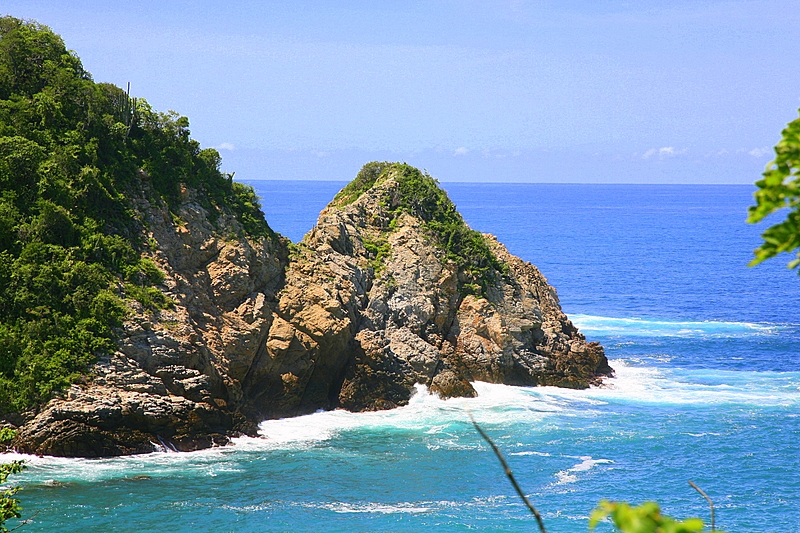
Coastline in Huatulco, Oaxaca, Mexico


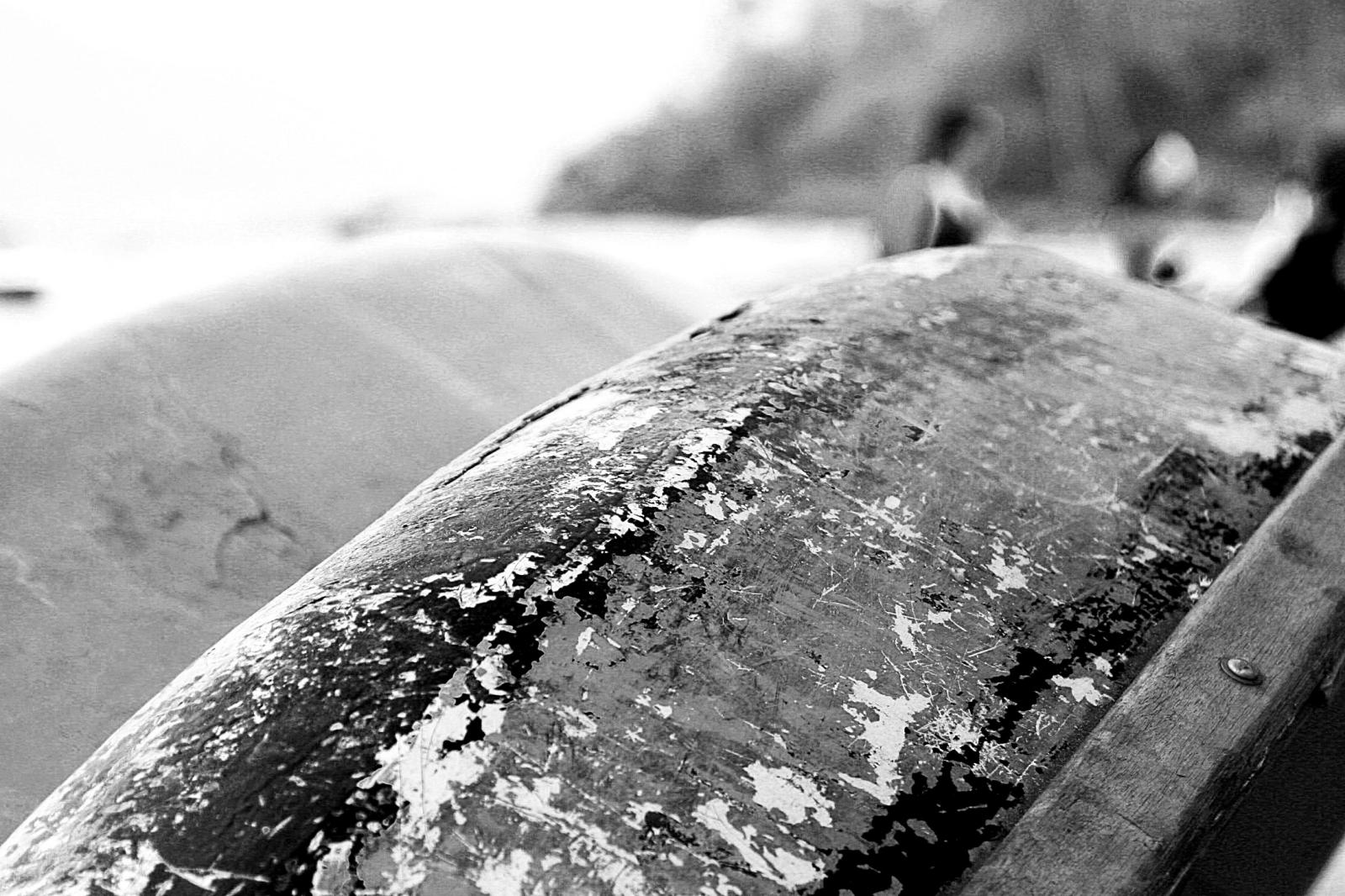
Boat BW PB Barco Texture Beautiful Fishing
Some more text for taking up space.
A two column gallery, aligned to the left, linked to media file.
In the editor, the image captions can be edited directly by clicking on the text.
If the number of images cannot be divided into the number of columns you have selected, the default is to have the last image(s) automatically stretch to the width of your gallery.
A four column gallery with a wide width:


Sunrise over the coast in Huatulco, Oaxaca, Mexico Lorem ipsum dolor sit amet, consectetuer adipiscing elit. Donec mollis. Quisque convallis libero in sapien pharetra tincidunt. Aliquam elit ante, malesuada id, tempor eu, gravida id, odio. Maecenas suscipit, risus et eleifend imperdiet, nisi orci ullamcorper massa, et adipiscing orci velit quis magna. 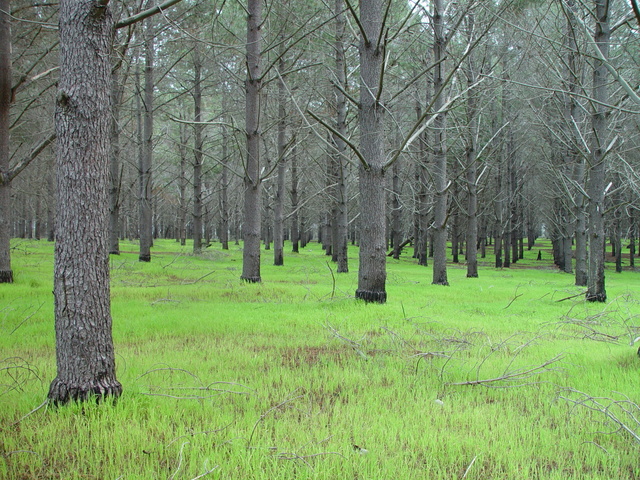

A five column gallery with normal images:


This is the same gallery, but with cropped images.
Six columns: does it work at all window sizes?
Boardwalk at Westport, WA 
Golden Gate Bridge 
Sydney Harbor Bridge Bell on wharf in San Francisco 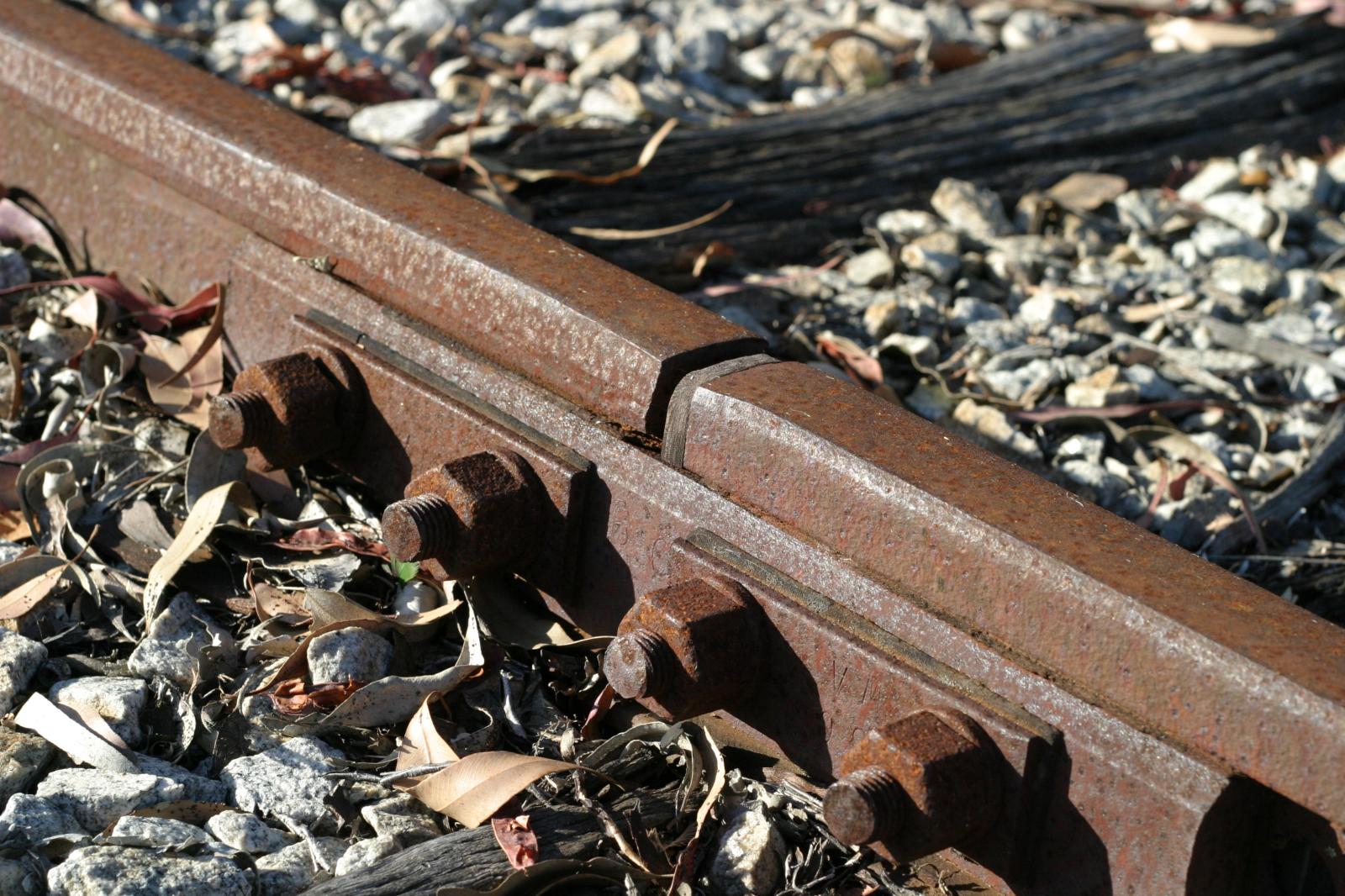
Rusty rails with fishplate, Kojonup 
Boats and reflections, Royal Perth Yacht Club 
Antique farm machinery, Mount Barker Museum, Western Australia 
Raindrop ripples on a pond 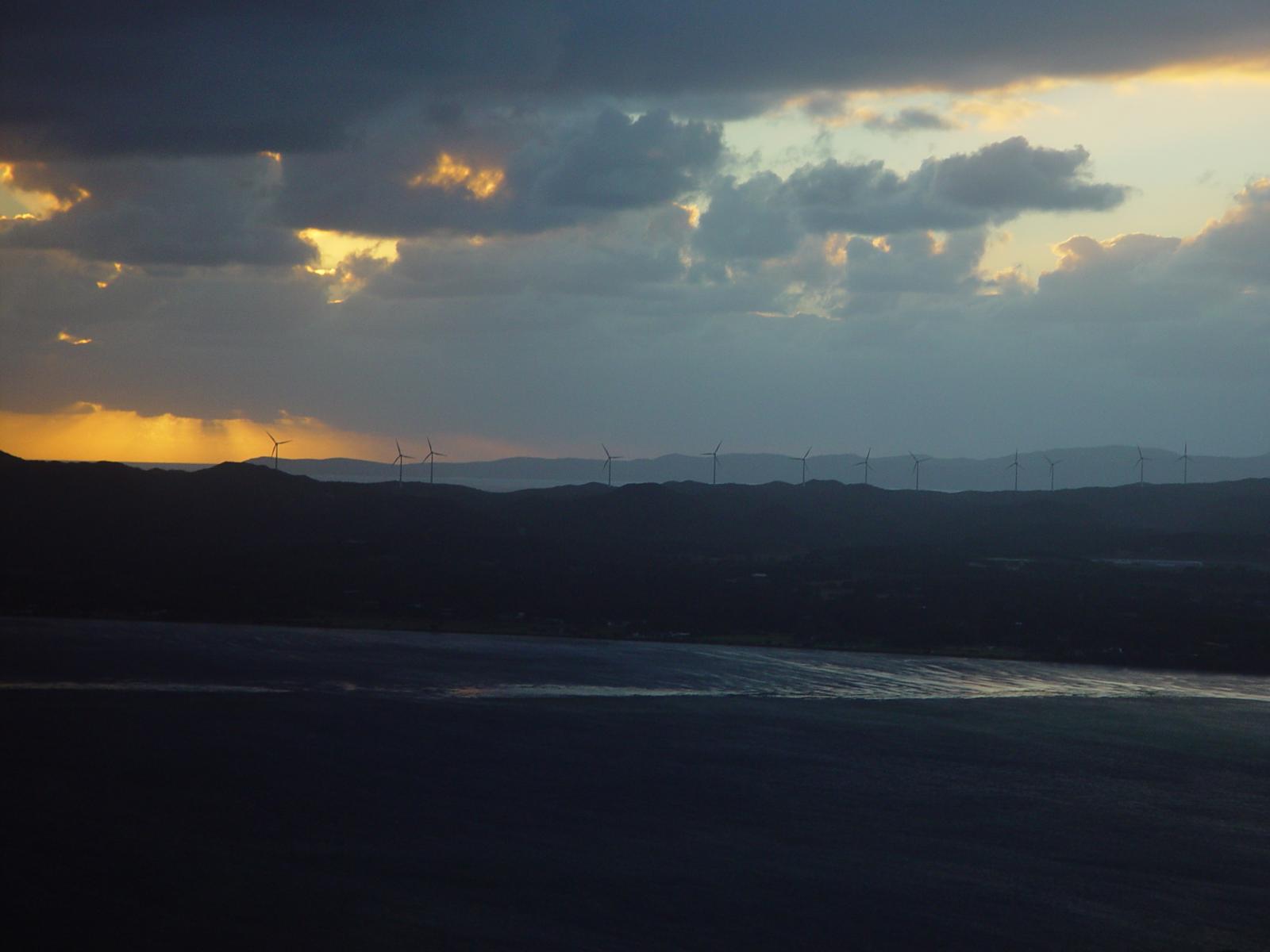
Albany wind-farm against the sunset, Western Australia Lorem ipsum dolor sit amet, consectetuer adipiscing elit. Donec mollis. Quisque convallis libero in sapien pharetra tincidunt. Aliquam elit ante, malesuada id, tempor eu, gravida id, odio. Maecenas suscipit, risus et eleifend imperdiet, nisi orci ullamcorper massa, et adipiscing orci velit quis magna. 
Windmill shrouded in fog at a farm outside of Walker, Iowa 
Jericoacoara Ceara Brasil Sunrise over the coast in Huatulco, Oaxaca, Mexico
Seven columns: how does this look on a narrow window?

It’s dangerous to go alone! Take this. Boat BW PB Barco Texture Beautiful Fishing Coastline in Huatulco, Oaxaca, Mexico Jericoacoara Ceara Brasil Sunrise over the coast in Huatulco, Oaxaca, Mexico 
Beach at Big Sur, CA Windmill shrouded in fog at a farm outside of Walker, Iowa 
Sea and rocks, Plimmerton, New Zealand Rusty rails with fishplate, Kojonup
Eight columns:
Lorem ipsum dolor sit amet, consectetuer adipiscing elit. Donec mollis. Quisque convallis libero in sapien pharetra tincidunt. Aliquam elit ante, malesuada id, tempor eu, gravida id, odio. Maecenas suscipit, risus et eleifend imperdiet, nisi orci ullamcorper massa, et adipiscing orci velit quis magna. Boardwalk at Westport, WA Golden Gate Bridge Antique farm machinery, Mount Barker Museum, Western Australia Orange Iris Albany wind-farm against the sunset, Western Australia Bell on wharf in San Francisco Sydney Harbor Bridge Raindrop ripples on a pond Boat BW PB Barco Texture Beautiful Fishing Boats and reflections, Royal Perth Yacht Club Rusty rails with fishplate, Kojonup Sea and rocks, Plimmerton, New Zealand Coastline in Huatulco, Oaxaca, Mexico

